 DevRok
Event Day for monday.com
Run the day of your event on your monday.com boards: guest RSVPs, QR check-in at the door from any phone, and a minute-by-minute run of show that runs live.
What it does
Guest RSVP pages
Every guest gets a personal page to answer, bring a plus-one and add dietary or accessibility notes. Answers are written to your board.
Invitations and QR codes
Email invitations and reminders, a calendar file and a personal entry QR code for every guest who is coming.
Check-in from any phone
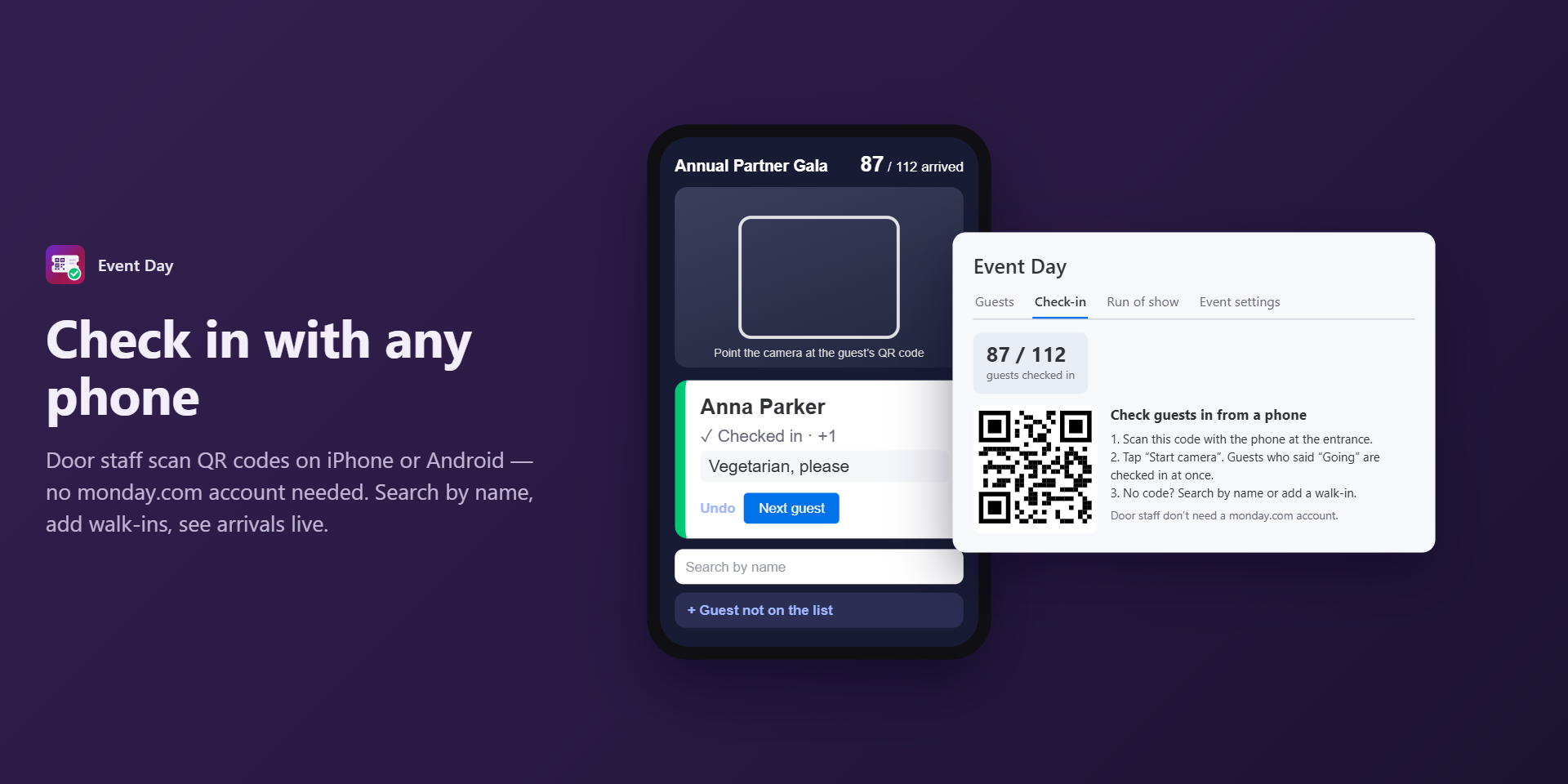
Door staff scan QR codes on iPhone or Android — no monday.com account needed. Search by name and add walk-ins.
Capacity and waitlist
Set the number of places; guests who answer after the event is full join the waitlist automatically.
Run of show
Segments with durations; start times are worked out from the event start. Print it, or write the times to the board.
Live mode
A countdown for the current segment, “behind / ahead of schedule”, and a read-only screen for your crew, host or AV desk.
monday AI
Draft the programme from a short brief and summarize the guest list. Runs only when asked, on your account’s monday AI credits.
Use cases
- Event agencies running client events
- Corporate galas, launches and conferences
- Workshops, meetups and private events
Plans
Billed through monday.com. Every new account starts with a 14-day trial of Business. AI features are available on every plan and use your account’s monday AI credits.
| Free | One event at a time, up to 50 guests. RSVP pages, QR codes, check-in from any phone, run of show with printing, 100 guest emails a month. |
|---|---|
| Pro | $24/month billed yearly, or $29 monthly. Unlimited events with up to 500 guests each, live run of show and crew screen, 2,000 guest emails a month. |
| Business | $49/month billed yearly, or $59 monthly. Everything in Pro, up to 5,000 guests per event, 10,000 guest emails a month and priority support. |